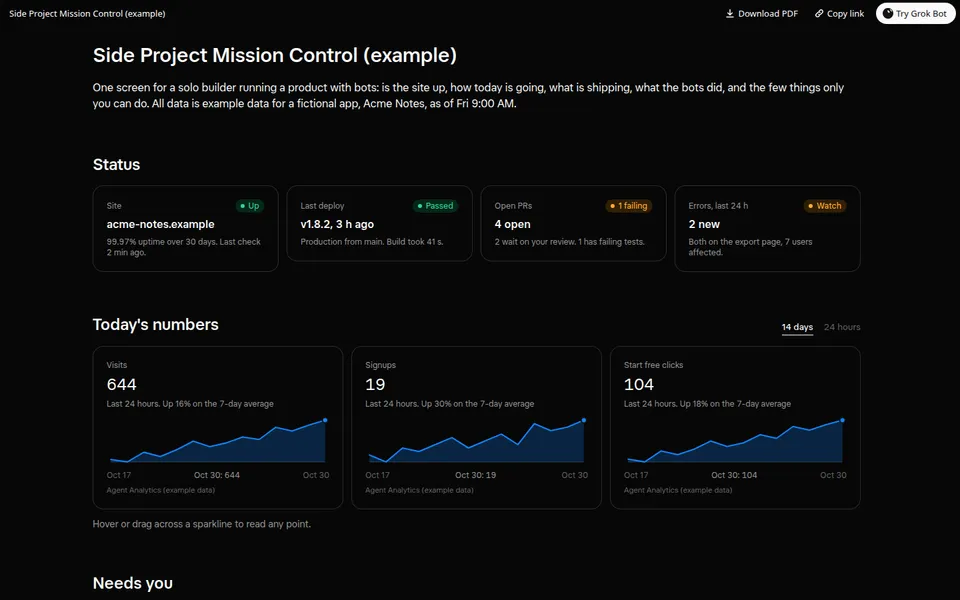
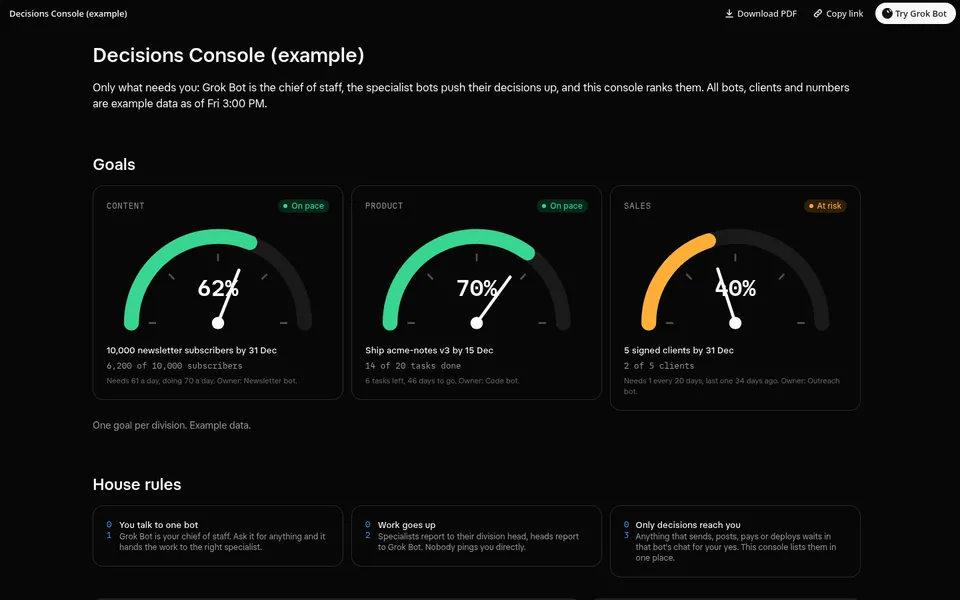
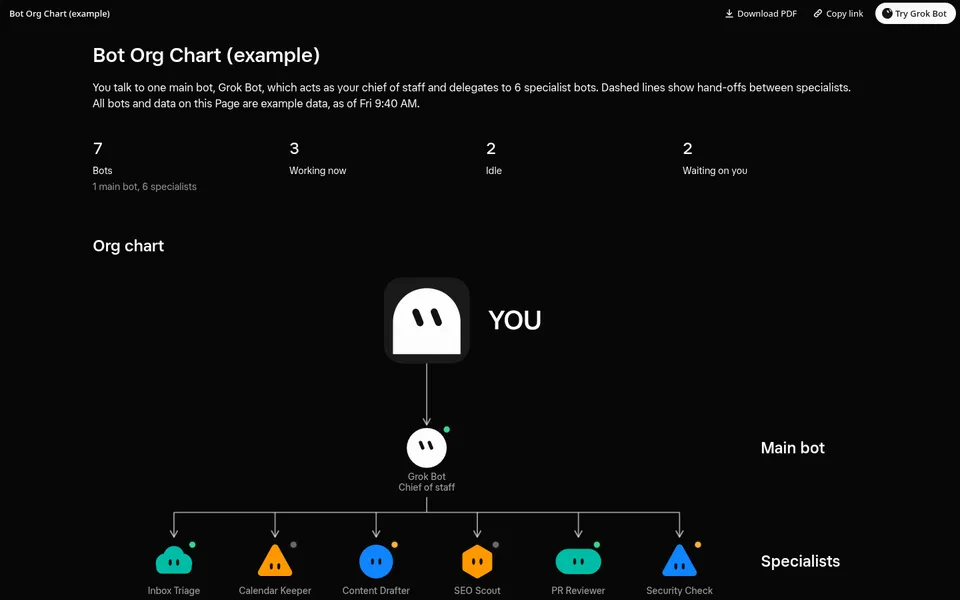
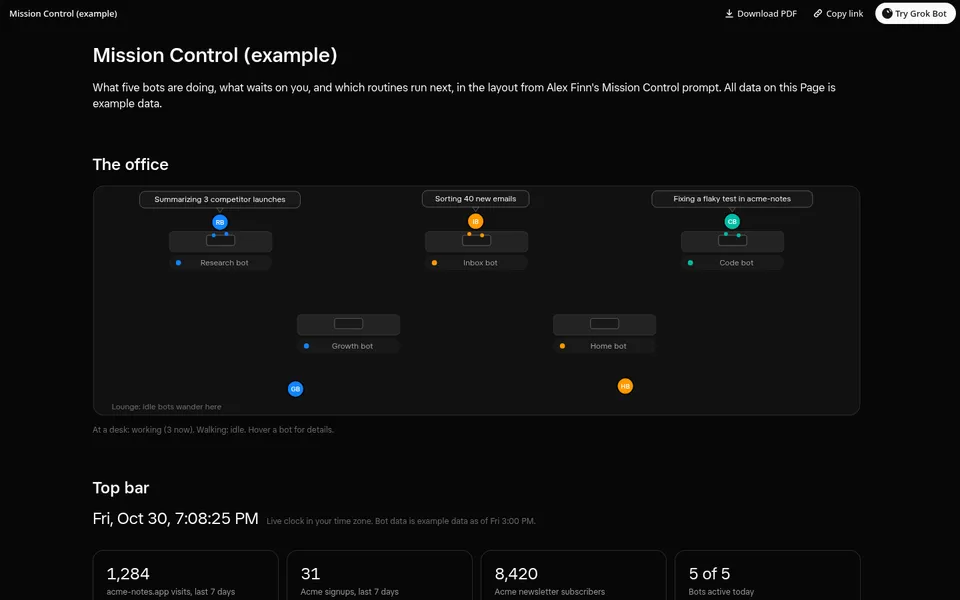
One screen for a solo builder running a product with bots: site and deploy status, today's key numbers, a shipping queue, bot activity and a ranked list of what needs you.
Inspired by Alex Finn's video · By Danny Shmueli @dannyshmueli
Build me a wide Grok Bot Page called "Side Project Mission Control" for the product I run with my bots. Use whatever I have connected: GitHub (or my git host) for open PRs, the last deploy and CI, my analytics (for example the Agent Analytics MCP) for visits, signups and clicks on my main call-to-action, my uptime or error tracker if I have one, and my bots and routines for the activity feed. At the top, show a status strip: is the site up, the last deploy and whether it passed, open PRs with how many wait on me or fail CI, and new errors in the last 24 hours. Then show today's key numbers (visits, signups, CTA clicks) with a sparkline each, today's value and the change against the 7-day average, with a switch between 14 days and 24 hours and a hover readout. Then a "Needs you" list ranked by urgency: each item says which bot asks, what to do in one line, where to do it, about how long it takes, a Why toggle, and a "Hide here" button that only hides it on the Page (say so next to it); add a sort for most urgent or quickest first. Then a shipping queue in three columns, In review, Blocked and Done this week, with an area filter, a Show done toggle and a Details toggle per item. End with a bot activity feed filterable by bot. Every control must really work on the Page; no buttons that do nothing. Anything not connected shows as empty. Then create a routine that refreshes the Page every weekday morning.