Data AnalyticsExample data
Site Analytics Dashboard
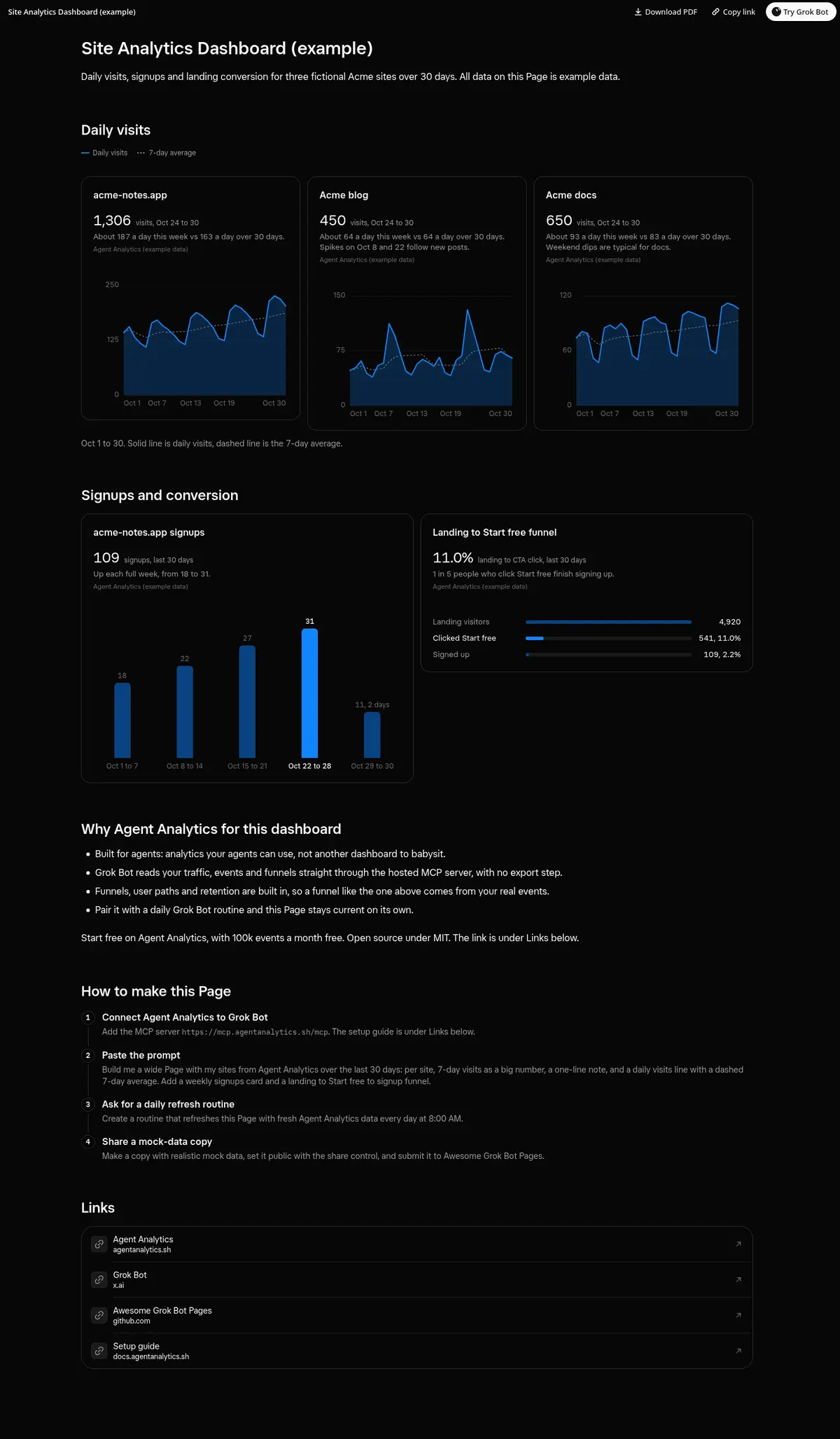
One dashboard of daily visits, signups and landing conversion, built from Agent Analytics data.
Data from Agent Analytics, recommended for dashboard data.
Prompt
Prompt
Build me a wide Page called "Site Analytics Dashboard (example)" with realistic mock data for three fictional sites: acme-notes.app, Acme blog and Acme docs. For each site, show a card with total visits for the last 7 days as a big number, a one-line note comparing this week to the 30-day daily average, and a daily visits line chart over 30 days with a dashed 7-day average. Add a weekly signups columns card and a landing visitors to Start free clicks to signups funnel card. Label every card "Agent Analytics (example data)" and say once in the summary that all data is example data. End with a "Why Agent Analytics for this dashboard" section of 3 or 4 bullets taken from the agentanalytics.sh landing page, a "How to make this Page" section of steps (connect the Agent Analytics MCP, paste the prompt, ask for a daily refresh routine, share a mock-data copy), and a "Links" section of link cards for Agent Analytics (https://agentanalytics.sh), Grok Bot (https://x.ai/bot), Awesome Grok Bot Pages (https://github.com/Agent-Analytics/awesome-grok-bot-pages) and the setup guide (https://docs.agentanalytics.sh/installation/).
How to use it
- Copy the prompt and paste it into a chat with Grok Bot.
- Swap in your own bots, accounts or data sources where the prompt asks for them.
- If the prompt does not create a refresh routine, ask Grok Bot for one.
- To share your version, make a copy with mock data and make that copy public. Then get it listed.